Mark the watermark
Open a video and drag a box around the watermark.

Alphade removes semi-transparent watermarks from your videos and recovers the picture underneath, right on your Mac.
Download for MacFree · macOS 26 or later
 Original
Alphade
Original
Alphade
Restored, not blurred
Blurring a watermark leaves a smudge. Alphade works out how the watermark was blended into every frame and reverses it, so the picture underneath comes back clean.



How it works

Open a video and drag a box around the watermark.
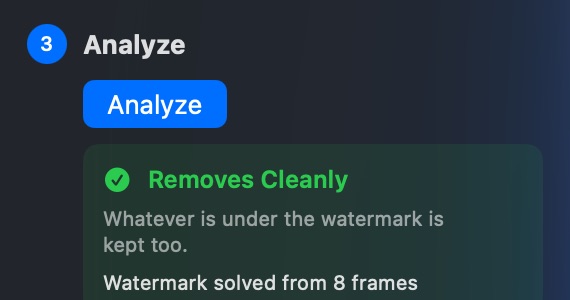
Alphade studies the whole video and tells you how well it can restore it.
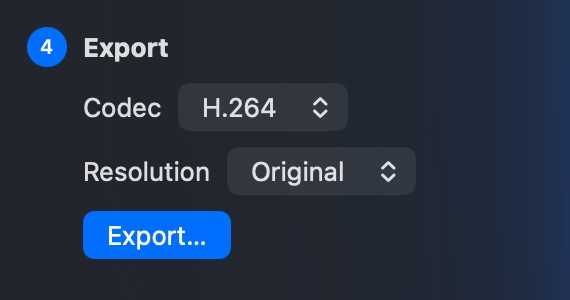
Save a clean copy in H.264 or HEVC, at full size or smaller.
Before you export
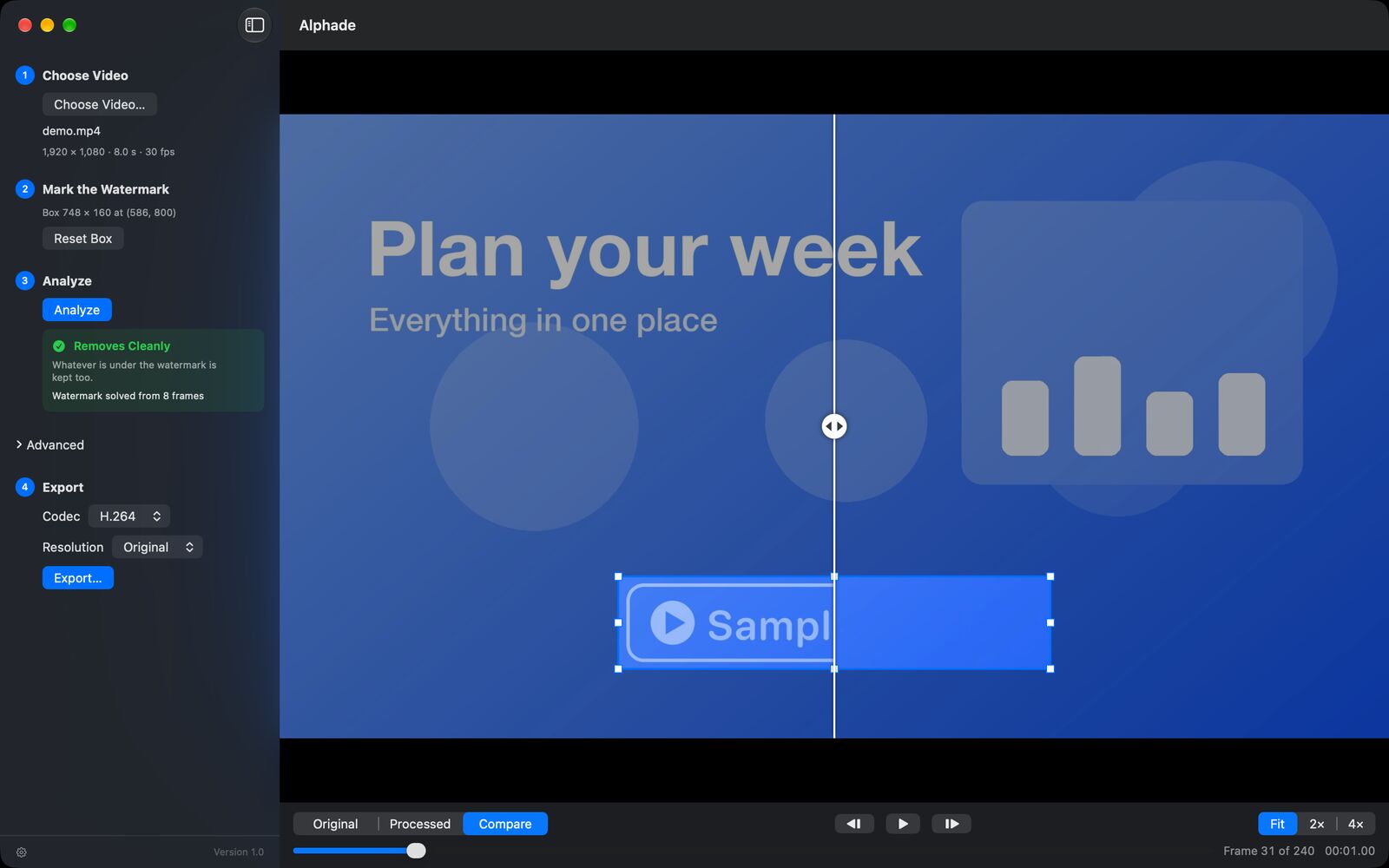
Compare the original and the result side by side, step through frame by frame and zoom in to 4×. Only the boxed area changes; the rest of the picture and the sound stay exactly as they were.
Nothing is uploaded and there's no account to create. Alphade collects no data. Read the Privacy Policy.
Analyze, preview and export at no cost: no purchase, no trial limits, no subscription. The download is signed with a Developer ID and notarized by Apple.
Works best with semi-transparent watermarks that stay in one place. See which videos work.
Download for MacOr with Homebrew: brew install --cask vulcanshen/tap/alphade